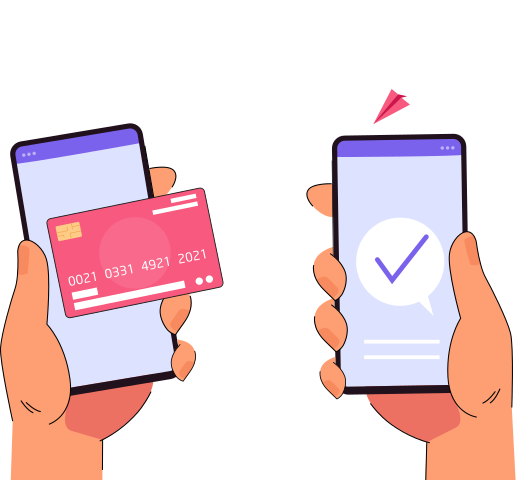
With Pokato Card Scan, enter card details faster than you can type, just by taking a picture with your phone's camera.


Now Scan Anywhere with Pokato Credit Card Scanner Feature.
With Pokato's card scanner feature, you can use your phone camera to scan card payments. Add the transaction amount, select Card Entry, tap Scan Card, and let the camera capture card details automatically, no manual typing required. Pokato never stores the card details.
Why Businesses Love Card Scan

Quick Card Scanning
Capture card details in seconds using your phone’s camera, removing manual typing and keeping in-person payments fast and effortless.
Cleaner, More Reliable Payments
Minimize errors and failed transactions with accurate card scanning that helps every checkout run smoothly and confidently.
Payments Without Hardware
Skip bulky terminals and extra devices. Pokato turns your smartphone into a fully functional payment tool, ready wherever you sell
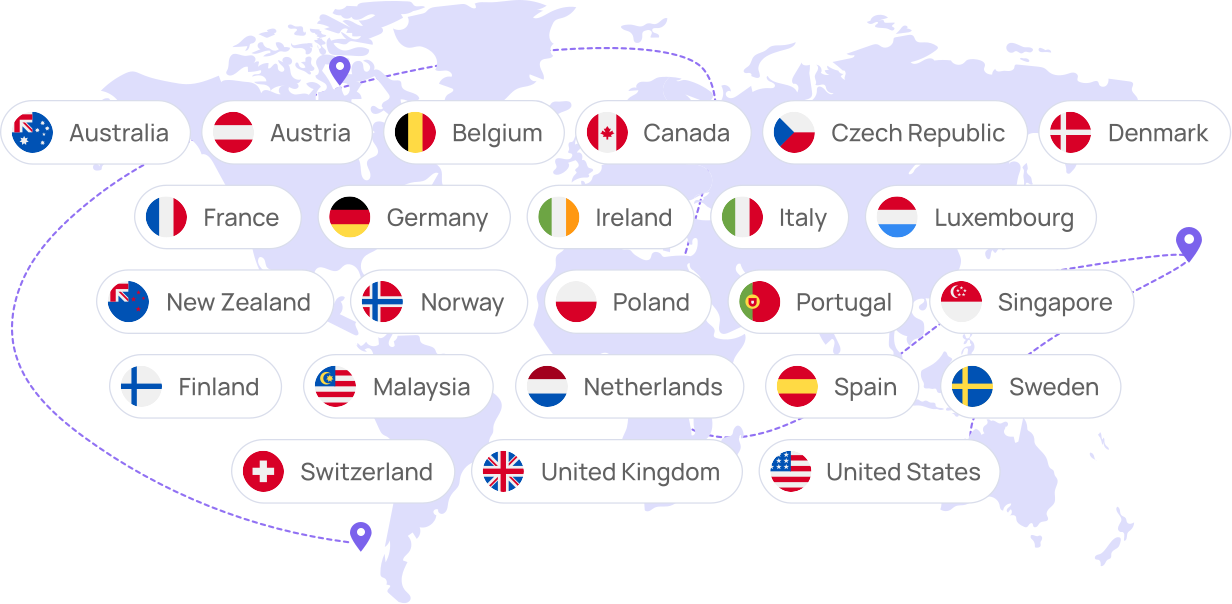
Countries
List of available countries
What do you use with Pokato Card Scan

Compatible Smartphone Camera
Card scanning works best with a functional smartphone camera and a clear, undamaged lens to accurately capture card information.

Updated Pokato App
Card Scan works with the latest version of the Pokato app to safely process payments and deliver reliable performance every time you take a payment.

Stable Internet Connection
A live Internet connection is required to securely scan card payments and ensure transactions are consistently successfully processed.
FAQ
Yes. Card Scan is built on security powered by Stripe, that way your card information will be handled securely and won’t be stored on your device.
Not at all. Contactless payments are a taking-the-wallet-to-another-level experience, but Card Scan is built for speed and is often faster than manually entering when contactless isn’t available.
No, Pokato Card Scan is 100% hardware-free and uses only your current smartphone.
It’s great for service businesses, new startups, phone orders, mobile sales, or locations where your customers can’t tap their card.
No additional charges apply. You still pay your standard Pokato cost and Stripe processing fees.
Yes. Card Scan works alongside Tap to Pay, giving you a reliable backup so you can accept payments even when tapping isn’t possible.
Card Scan supports most major cards. Performance may vary based on card design, lighting conditions, and camera clarity.
Accept Payments
on your phone today
Available on App Store and Google Play.